
Q&A for Confluence · Guide
Ask a question about a Confluence page
In Confluence Cloud you can ask about a page with a page comment or an inline comment, and the people watching the page get notified. That works for a quick question. It stops working when you want to see which questions are still open, mark the right answer, or find the answer again a month later. A question linked to the page solves that.
Step by step with Q&A for Confluence
- Install Q&A for Confluence from the Marketplace listing.
- Open the page you have a question about and open its "..." menu. Choose Ask a question about this page.
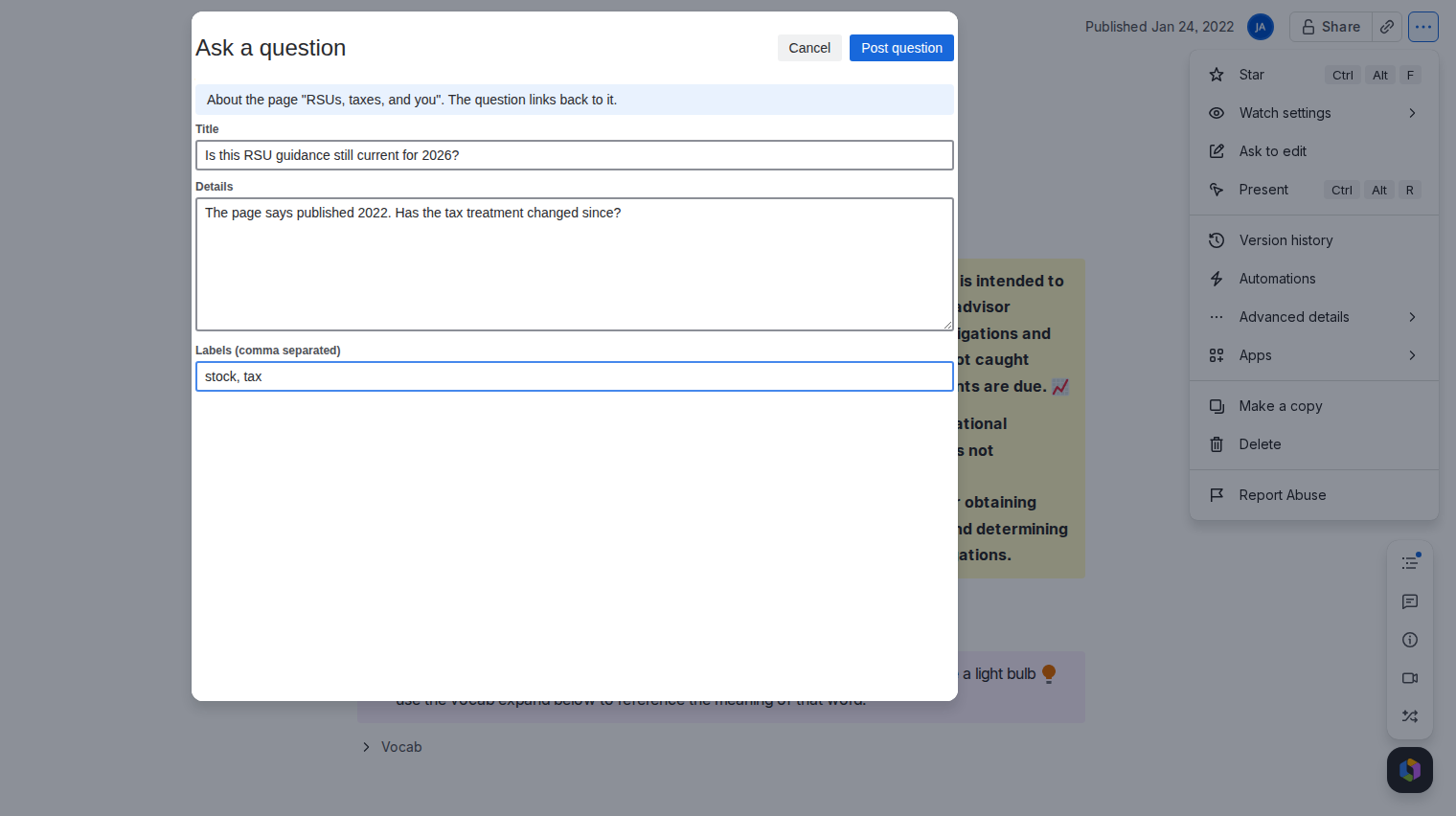
- Write the question: a title, details in plain text and optional labels. Post it.
- Find it in the space. The question appears in the space's Q&A tab, marked as being about that page, with a link back to it.
- Get it answered. An expert answers. You, or a moderator, accept the best answer. If it belongs in the docs, publish it as a page.
Good to know
- The app sends no notifications. Share the question's link with the page owner, or ask in your usual channel to point people to it.
- Who may answer depends on the space settings: everyone by default, or the expert groups you pick.
- The questions list can filter to Unanswered or sort by Needs an answer, so owners can see what is waiting.
Price
Free for up to 10 users. From 11 users it costs 0.80 USD per user per month, billed by Atlassian. The Pricing tab on the listing shows the exact figure for your user tier, and you can try the app free for 30 days before you pay.
Get Q&A for Confluence on the Atlassian Marketplace