
Diagram Macros for Confluence · Guide
How to make a Gantt chart or sequence diagram in Confluence
Confluence Cloud has no Gantt chart or sequence diagram element on its own. If the plan lives in Jira work items, Jira's own timeline is the right tool. For a plan or a message flow drawn on a page, a few lines of Mermaid text in the Diagram Macros Mermaid macro do the job, and anyone with edit rights can change them later.
Step by step
- Install Diagram Macros for Confluence from the Marketplace listing.
- Insert the macro: type
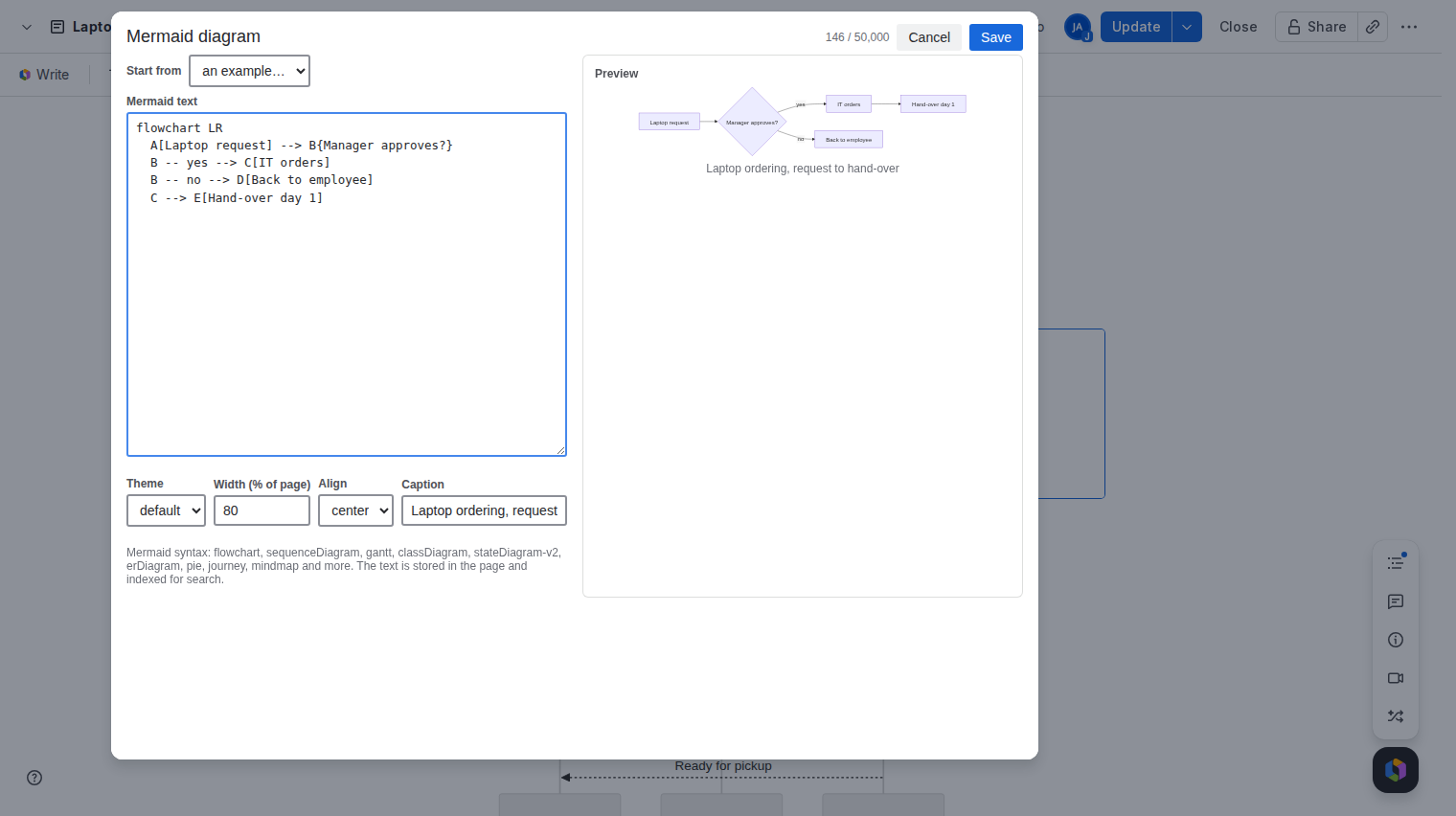
/Mermaidon a page you are editing. - Load an example. In the Start from list, pick Gantt or Sequence. The text and the preview fill in.
- Edit the text to match your plan or flow. The preview redraws as you type and points to the line if something is wrong.
- Save and publish the page.
Gantt chart example
This is the example the macro loads. Each task has a name, an optional id, a start date or after another task, and a length in days.
gantt
  title Release plan
  dateFormat YYYY-MM-DD
  section Build
  Design :a1, 2026-11-10, 5d
  Code   :after a1, 10d
  section Ship
  Review :2026-11-25, 3d
Sequence diagram example
Each line is one message from one participant to another. A solid arrow (->>) is a request, a dashed arrow (-->>) a reply.
sequenceDiagram
  participant U as User
  participant A as App
  U->>A: Request
  A-->>U: Response
Good to know
- A Mermaid Gantt chart is a drawing. It does not read dates from Jira and does not move when work slips. Change the text when the plan changes.
- Caption, width and alignment are set in the macro editor. A caption is a good place for the date of the plan.
- To show the chart in a PDF export, save it as an image first. See Mermaid diagrams in Confluence PDF and Word exports.
Price
Free for up to 10 users. From 11 users it costs 0.30 USD per user per month, billed by Atlassian. The Pricing tab on the listing shows the exact figure for your user tier, and you can try the app free for 30 days before you pay.
Get Diagram Macros for Confluence on the Atlassian Marketplace