
Diagram Macros for Confluence · Guide
How to add Mermaid diagrams in Confluence Cloud
Confluence Cloud does not draw Mermaid diagrams by itself. Paste Mermaid text into a code block and readers see the text, not the picture. To draw it you need a macro from the Atlassian Marketplace, such as the Mermaid diagram macro in Diagram Macros for Confluence.
What Confluence does without an app
The Confluence editor has code blocks with syntax highlighting, and whiteboards for drawing by hand. Neither turns Mermaid text into a diagram. You can draw the diagram in another tool and upload a picture, but then the picture and its source live in two places and drift apart after the first change.
Step by step with Diagram Macros
- Install Diagram Macros for Confluence from the Marketplace listing. A Confluence admin does this once for the whole site.
- Insert the macro. Edit a page and type
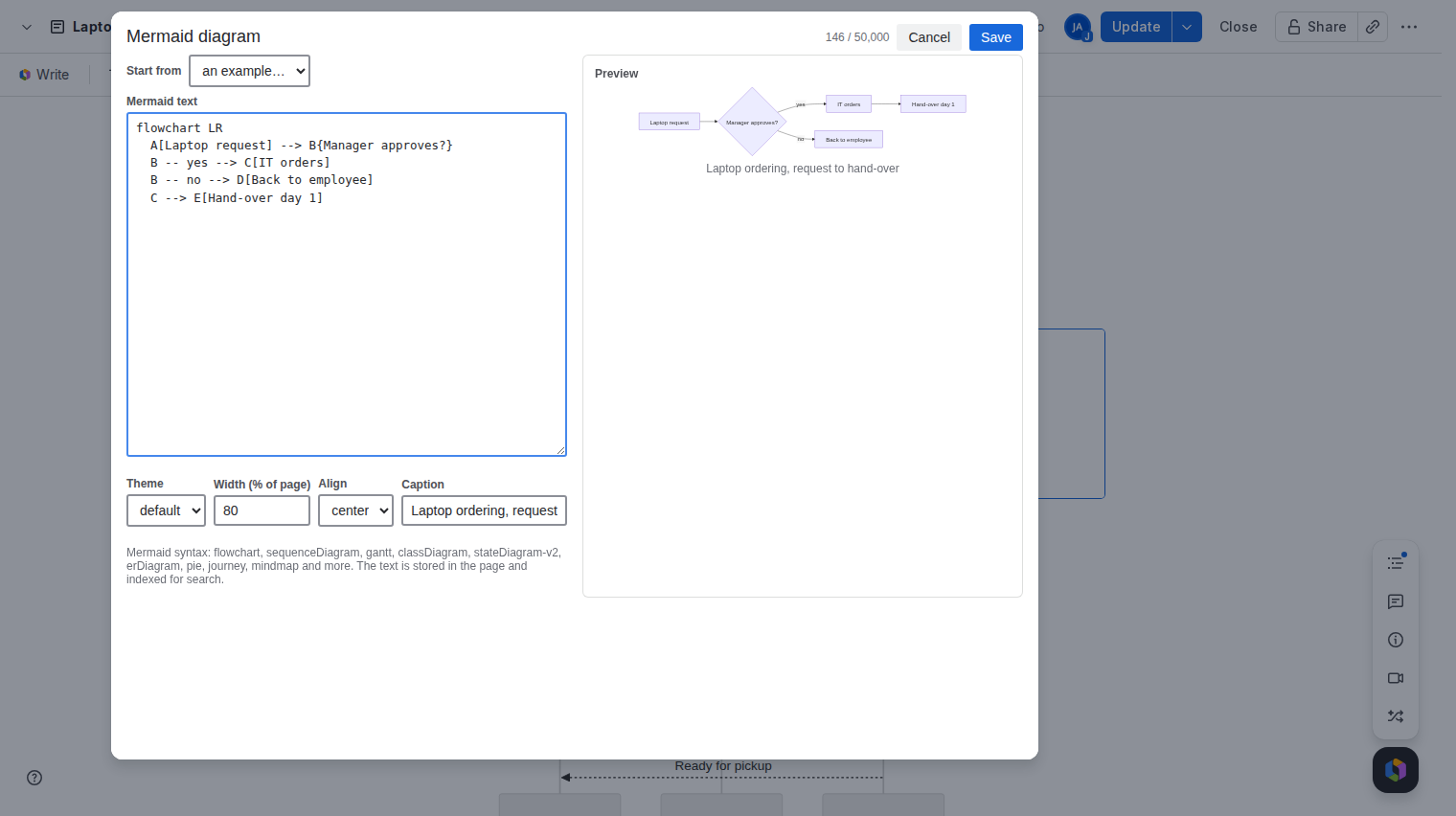
/Mermaid, or pick Mermaid diagram from the + menu. - Write the diagram. The macro editor opens with an example and a live preview. The Start from list loads a working flowchart, sequence diagram, Gantt chart, class diagram, state diagram or pie chart. Paste your own Mermaid text on the left and the preview redraws as you type.
- Fix mistakes. If a line is wrong, the preview shows the line number and what Mermaid expected. Save stays disabled until the diagram parses, so a broken diagram never reaches the page.
- Set the look. Pick a theme (default, neutral, dark or forest), a width from 10 to 100 percent of the page, the alignment and an optional caption.
- Save and publish. Press Save, then publish the page. To change the diagram later, select the macro in the editor and click the pencil.
Which Mermaid diagrams work
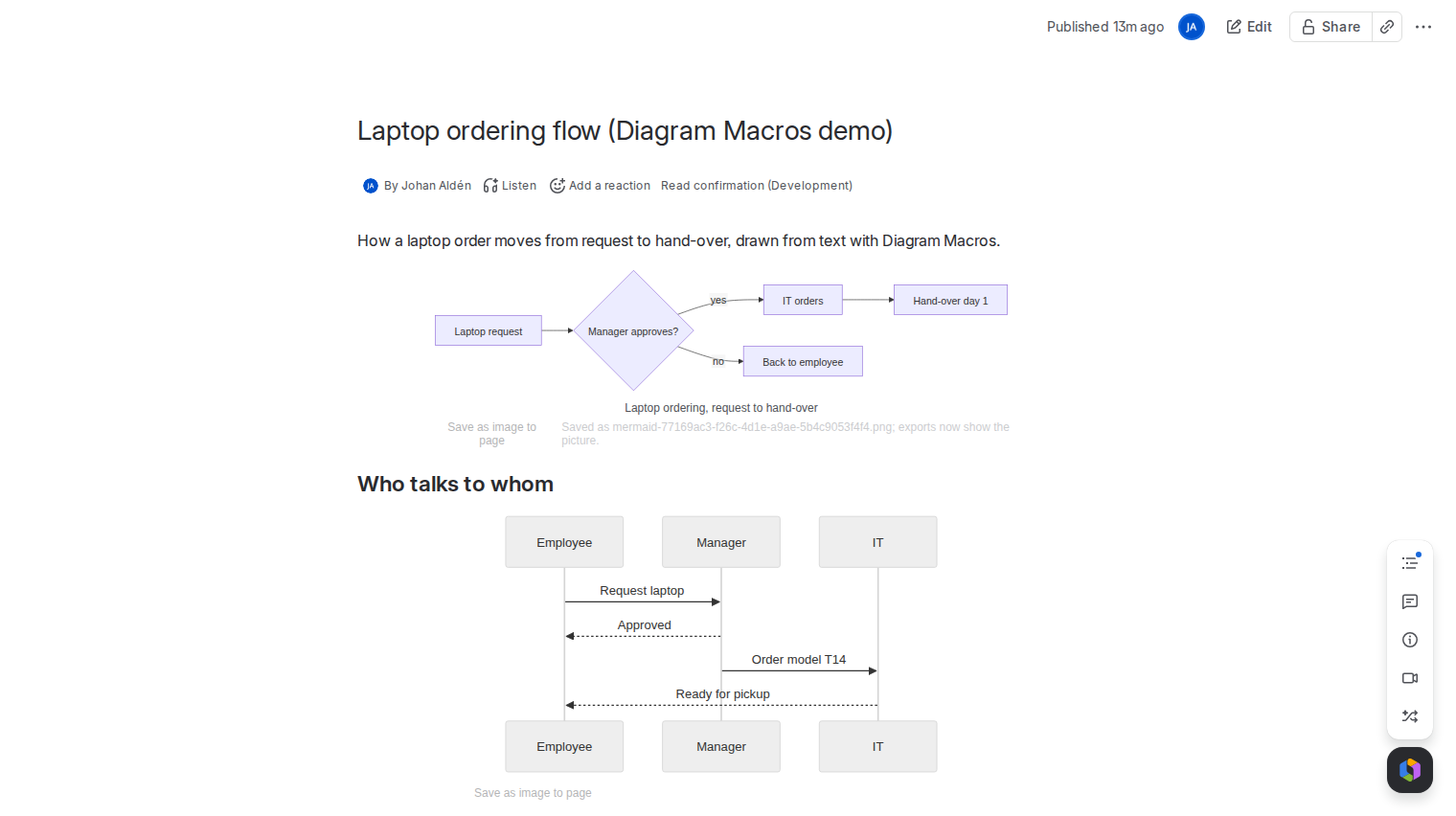
The app bundles Mermaid 11 and accepts the diagrams it understands: flowchart, sequenceDiagram, gantt, classDiagram, stateDiagram-v2, erDiagram, pie, journey, mindmap, timeline, gitGraph, quadrantChart, xychart-beta, block-beta, sankey-beta and C4 diagrams.
Good to know
- The Mermaid text is stored in the page itself, as the macro's settings, and Confluence search indexes it. The app keeps no copy.
- Mermaid runs inside the app, served by Atlassian. Nothing is loaded from the internet and the app calls no service outside your Atlassian site.
- The default theme follows Confluence's light and dark mode.
- One macro holds up to 50,000 characters.
- PDF and Word exports need a saved picture of the diagram. See Mermaid diagrams in Confluence PDF and Word exports.
Price
Free for up to 10 users. From 11 users it costs 0.30 USD per user per month, billed by Atlassian. The Pricing tab on the listing shows the exact figure for your user tier, and you can try the app free for 30 days before you pay.
Get Diagram Macros for Confluence on the Atlassian Marketplace